


Step 1: Run the uninstaller for the Eassiy programs
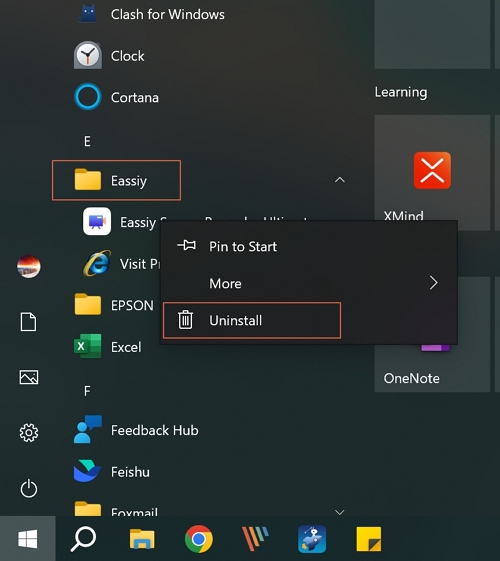
Open the Start menu in the lower left corner of your desktop. Select the All Programs menu item, then follow: Eassiy >> Eassiy program.
Step 2: Select the programs you want to uninstall
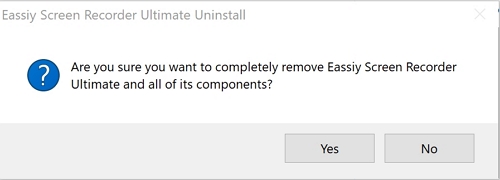
Select a Eassiy program, right-click the mouse and select "Uninstall" to install the Eassiy program you want. Click "Yes" in the pop-up window to start the uninstalling.
Step 3: Finish uninstall process
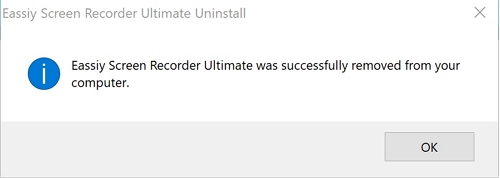
Once you get a pop-up reminder, it means the product has already removed from your computer.
Attention please: Before you uninstall, you need to exit this software.