

Recover Lost Data from Your Computer Easily
Accidentally deleted important files or lost data after a computer problem? Our computer recovery solution helps restore documents, photos, videos, and other files from Windows PCs safely and efficiently.
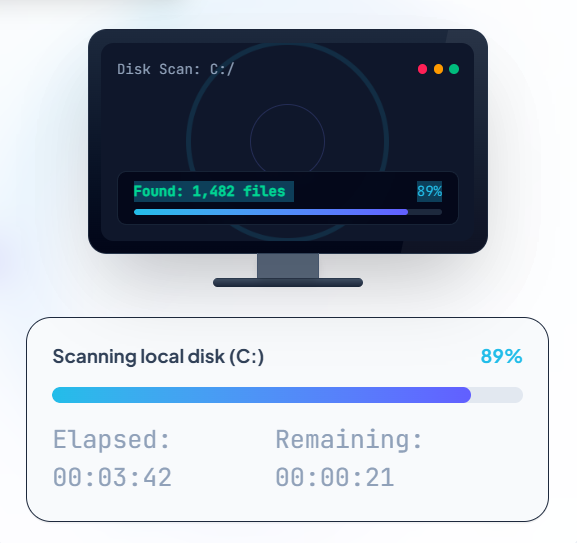
Lost Files on Your Computer? We Can Help You Recover Them
Computer data loss can happen for many reasons. No matter the situation, our intelligent recovery engine can rescue your critical data.
Accidentally Deleted Files
Deleted important documents, photos, or videos by mistake? Instantly recover files removed from:
- Recycle Bin
- Desktop
- System Folders
- Connected PC storage
Computer Crash or System Failure
Your computer cannot start normally, showing a blue/black screen of death? Recover important business records or childhood memories even when Windows has severe boot problems.
Formatted Computer Drive
Formatted your hard drive partition accidentally or converted file systems (e.g., FAT32 to NTFS)? Our algorithms search deeply to find and restore lost files from formatted partitions.
Virus or Malware Damage
Lost access to your files or folder structures after sudden virus, trojan, or ransomware attacks? Safely scan your computer disk directories and recover clean, uncorrupted files.
Recover Different Types of Files from Your Computer
We support over 1,000 file types across office docs, graphics, videos, musical layers, system archives, and databases.
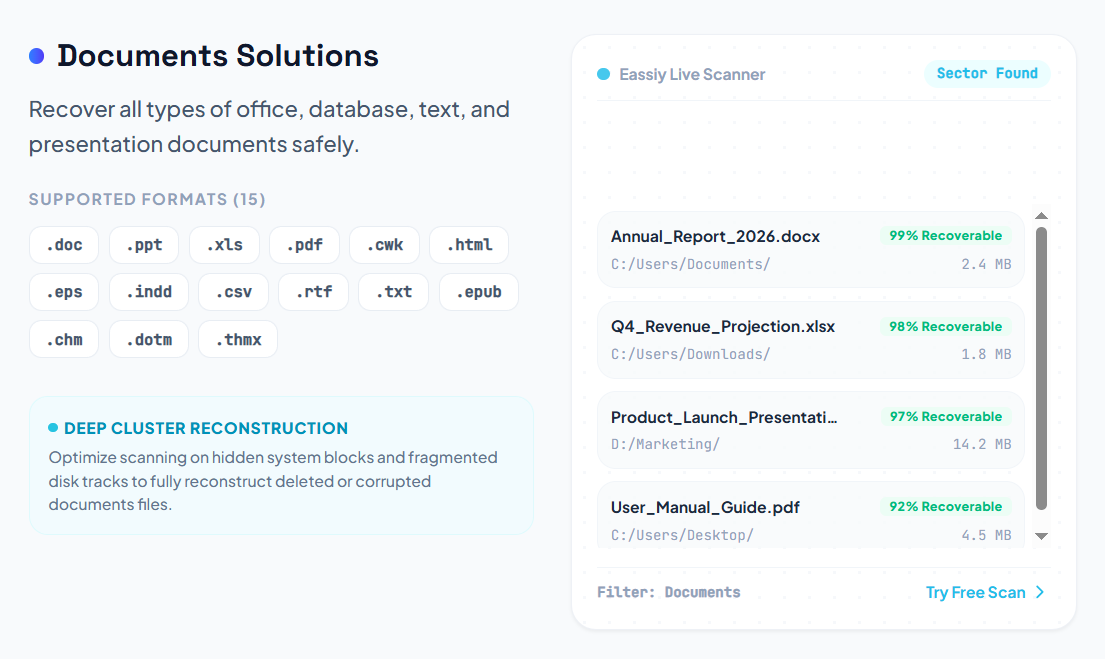
Recover Data from Different Computer Situations
Our data recovery suite targets granular partition tables, Master Boot Record structures, and deleted file indicators directly inside Windows systems.

Deleted File Recovery
Recover accidentally deleted files from your PC.

Empty Recycle Bin Recovery
Restore files removed permanently from Recycle Bin.

Lost Partition Recovery
Recover data from missing or damaged partitions.

Computer Not Booting
Access files when your Windows system cannot start.

Hard Drive Failure
Recover files from inaccessible computer drives.
Undelete Your Files in 3 Easy Steps
No technical or storage partition engineering skills required. Restore your lost disk data in a few intuitive clicks.
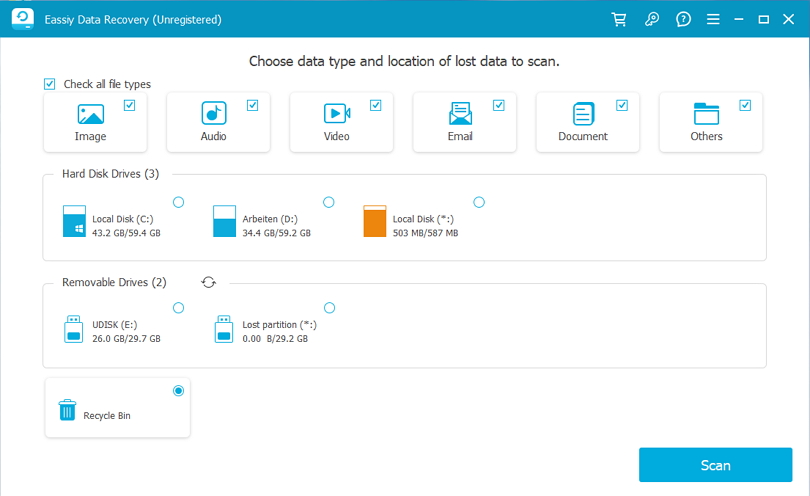
A Simple Way to Recover Lost Computer Data
Our sector-level parsing engines empower everyday users with enterprise-grade partition rebuilding features.
Deep Scan Technology
Parse physical platter blocks or flash wear levels directly. Find highly hidden raw data signatures that cannot be located through traditional operating system directory sweeps.
Support Various Storage Types
Restore files from multi-vendor internal storage sectors, hard disk drives, newer SSD models, and various logical partitions seamlessly.
- Internal HDD
- Solid State Drive (SSD)
- Logical Partitions
- Connected External drives
File Preview Before Recovery
Ensure perfect data accuracy. Read preview modules directly to inspect document texts, check images, or load audio-video segments before spending disk allocation.
Easy for Beginners
No Command Prompt syntaxes, drive mounting scripting, or registry modifications needed. Our GUI coordinates the recovery safely in minutes.
Recover Files Without Professional Skills
Why send your hard drives to overpriced service centers? Easily apply specific solutions instantly.
Frequently Asked Questions
Find quick structural answers on how to maximize your PC recovery success rate.
Yes. Deleted files may still exist on your storage device until overwritten. When a file is deleted, the system marks its space as available instead of instantly erasing it, meaning recovery software can find and restore it.
Yes. If the storage device is still accessible, recovery software can read the drive structure and help restore files even when Windows system crashes or fails to boot.
Yes, but results depend on SSD condition and system features such as TRIM. TRIM immediately clears blocks of deleted data, so recovering files promptly is highly recommended for SSD drives.
It is recommended to save recovered files to another location (such as an external drive) to avoid overwriting the exact same lost data blocks during the recovery process.
Ready to Recover Your Lost Computer Files?
Scan your computer and find recoverable files today. Save your business data and precious files now.